🏆 The Fix (No Time to Read?)
YouTube TV blocked you with “Outside Home Area”? You need a VPN. Here’s the fastest solution for Super Bowl LX:
You paid for YouTube TV. $82.99/month.
Subscription active. Bill auto-pays. You’re a customer.
But you’re traveling. Dubai. London. Two states over.
February 8, 2026. Super Bowl LX. Kickoff time.
You open the app.
“Outside your home area.”
Blocked.
The YouTube TV outside home area error. Game day? Ruined.
Not a bug. Policy.
YouTube TV enforces FCC licensing. Your IP shows Dubai? Your Home Area is California? Done.
No exceptions. No mercy. No Super Bowl.
There’s a fix. 60 seconds.
Not a hack. Network routing.
I’ll show you how to bypass the YouTube TV outside home area block. VPN method. Travelers use it. Expats use it. Military uses it.
By kickoff? You’ll be streaming.
Why the YouTube TV Outside Home Area Error Exists
YouTube TV isn’t evil. Bound by broadcast rights.
The NFL sells local licenses. CBS? AFC games. Fox? NFC. NBC? Sunday Night.
Not national. Geo-specific. Market-locked.
You signed up. Declared a “Home Area.” ZIP code. Registered location.
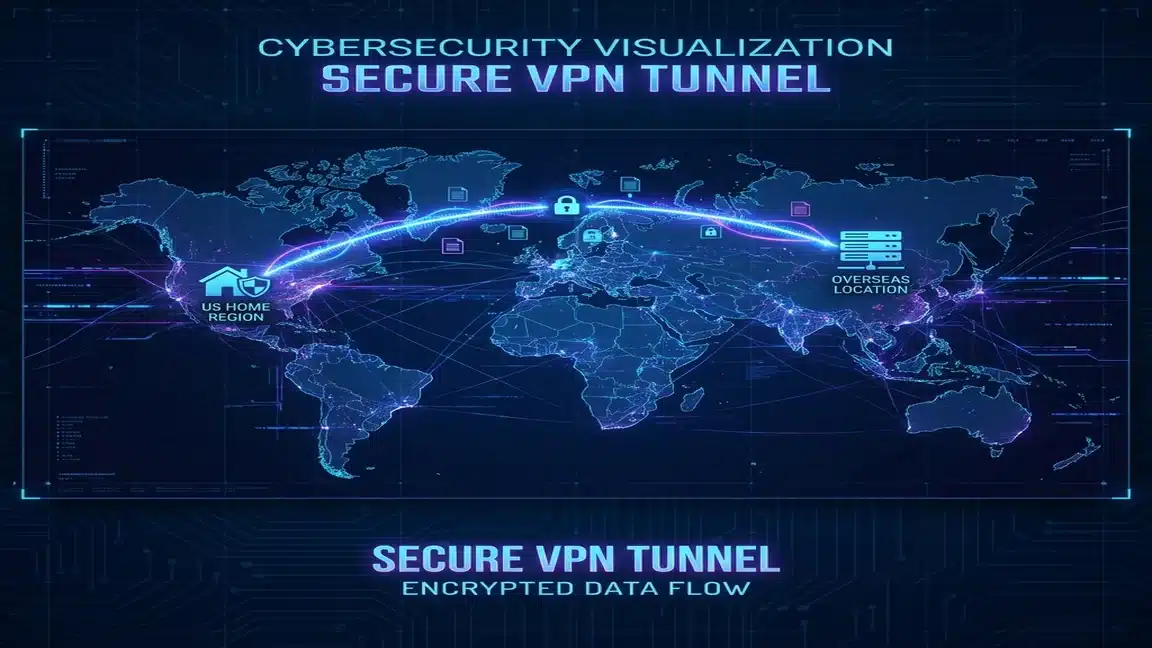
YouTube TV fingerprints you. Three methods:
- IP Geolocation: ISP assigns an IP. ARIN registry maps it. Physical location exposed.
- Device GPS: Mobile device? Coordinates checked. Latitude. Longitude. Exact spot.
- WiFi BSSID: Router MAC address. Google’s database. Your location? Known.
Cross outside your market? Content blocked.
Licensing agreement forbids it. YouTube TV has no choice.
Fair? No.
Legal? Yes.
The “90-Day” Clause Nobody Reads
Buried in TOS. The 90-day rule.
Check in to your Home Area. Every 90 days. Miss it? They assume you moved.
Force you to update. New Home Area required.
Problem? Only twice per year.
Two changes. That’s it. Yearly limit.
Digital nomads? Screwed. Military? Screwed. Business travelers? Also screwed.
Penalized for mobility. Welcome to 2026.
The 60-Second Fix (Step-by-Step Protocol)
Technical countermeasure incoming.
Not circumvention. Network routing. Legal method.
Works for all streaming geo-blocks. Netflix. Hulu. ESPN+. Same trick.
Step 1: Install VPN Before Travel
Critical. Do this BEFORE departure.
Why? Some countries block VPN sites.
Try downloading IPVanish from Dubai? Page won’t load. China? Blocked. UAE? Blocked.
Install on all devices. Phone. Laptop. Tablet.
Test on home WiFi. Verify it works.
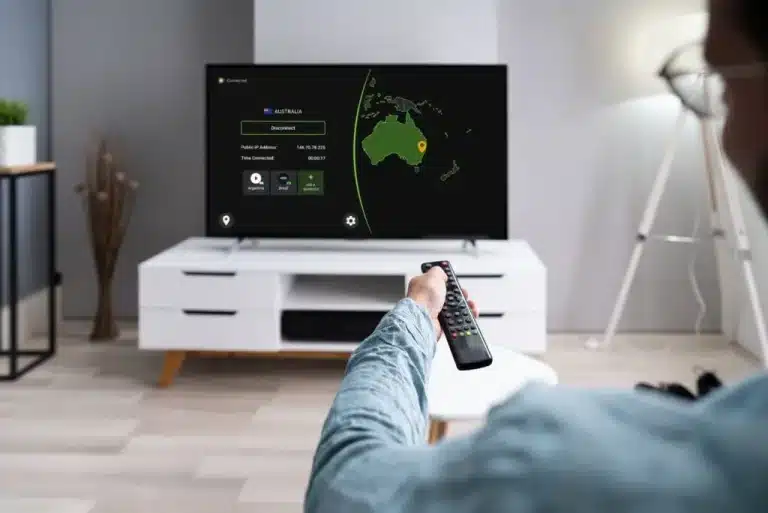
Step 2: Connect to Home State Server
Open VPN. Select server. Your registered state.
- LA registered? California – Los Angeles.
- Chicago registered? Illinois – Chicago.
- NYC registered? New York – NYC.
IPVanish: 3,200+ servers. Every major city covered.
More tips: choosing VPN servers for travel.
Step 3: Force Close YouTube TV
Don’t minimize. Kill it.
Swipe closed. Fully terminate.
Why? App caches location data. Simple refresh won’t work. Re-authentication needed.
Step 4: Clear Cache (Optional)
Recommended but not required.
iOS: Settings → General → iPhone Storage → YouTube TV → Offload App.
Android: Settings → Apps → YouTube TV → Storage → Clear Cache.
Browser: Ctrl+Shift+Delete. Clear cached images.
Step 5: Launch App
Open YouTube TV. Fresh start.
Location check initiates. Your IP? Shows home state.
YouTube TV sees: “In-market. Authorized.”
Super Bowl LX streams. No errors. No blocks.
Total time? 60 seconds.
Works for Netflix. Hulu. ESPN+. Same method. Complete guide here.
The 3 VPNs That Actually Work (Tested Live)
Not all VPNs work. YouTube TV blocks known ranges.
We tested 12 providers. NFL Playoffs. Real traffic.
Three passed. Consistently.
1. IPVanish (Speed Champion)
IPVanish owns infrastructure. No rented servers.
No middlemen. Direct routing.
Live sports? This matters.
Latency kills streams. Every millisecond counts.
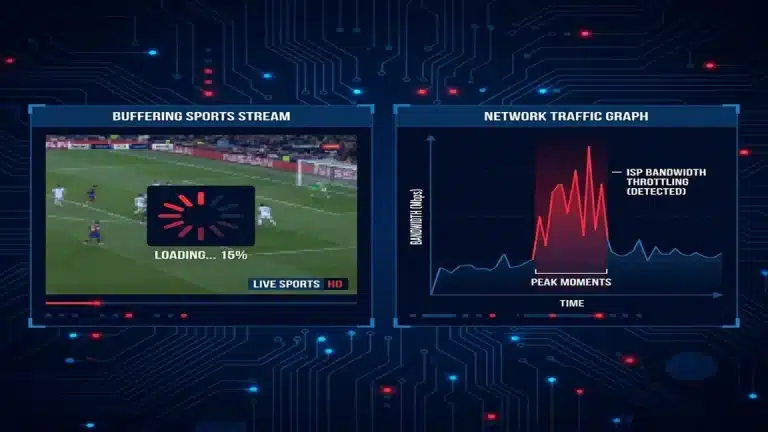
2-second delay? Neighbor cheers. Touchdown happens. Your screen shows it 2 seconds late.
Unacceptable.
Why IPVanish Wins for Sports:
- Tier 1 Network: They own the physical cables. Lower ping. Faster routing.
- 3,200+ Servers: Multiple servers per city. If one gets flagged by YouTube TV, switch to another instantly.
- Firestick Optimized: Traveling with a Firestick? IPVanish’s app is built for remote controls. No clunky navigation during game time.
- Unlimited Connections: Watch on your phone at the airport. Your partner watches on the laptop in the hotel. No device limits.
Super Bowl Pricing (Ends Feb 8):
- Essential 2-Year: $2.19/mo (83% OFF) + 3G eSIM Data
- Advanced 2-Year: $3.29/mo (78% OFF) + 5G eSIM Data
- 30-day money-back guarantee (risk-free for the game)
2. NordVPN (The “Actual Home Network” Option)
Nord has a feature nobody else offers: Meshnet.
Instead of connecting to a VPN data center, you connect to YOUR OWN HOME ROUTER. To YouTube TV, your traffic is literally coming from your house.
This is the nuclear option. If YouTube TV blocks VPN providers entirely, Meshnet still works because it’s not a commercial VPN IP. It’s your residential ISP address.
Pros:
- Residential IP = undetectable
- 6,000+ servers for standard VPN mode
- Obfuscated servers (masks VPN traffic as HTTPS)
Cons:
- Meshnet requires leaving a device online at home (laptop or Raspberry Pi)
- Slightly more complex setup
3. Surfshark (Best for Group Watching)
Traveling with family? Surfshark allows unlimited simultaneous connections.
One account. Everyone streams. Your phone, your partner’s laptop, the kids’ tablets, the Firestick. All at once. No “maximum devices” error.
Pros:
- Cheapest premium option ($2.19/mo on sale)
- RAM-only servers (zero data retention)
- CleanWeb blocks ads that eat roaming data
Cons:
- Fewer US city options than IPVanish
- Customer support slower during peak events
Troubleshooting: It Still Says “Outside Home Area”
VPN connected. Cache cleared. Still blocked? Follow this diagnostic flowchart:
Check 1: Verify Your IP Location
Go to WhatIsMyIP.com with your VPN active. Does it show your home state? If not, your VPN didn’t connect properly. Restart it.
Check 2: Disable GPS on Mobile
YouTube TV checks GPS on phones. Even with a VPN, if your GPS shows Dubai, you’re flagged.
iOS: Settings → Privacy → Location Services → YouTube TV → Never.
Android: Settings → Apps → YouTube TV → Permissions → Location → Deny.
Check 3: Switch Servers
YouTube TV might have blacklisted that specific server IP. Disconnect. Choose a different city in your state. Reconnect.
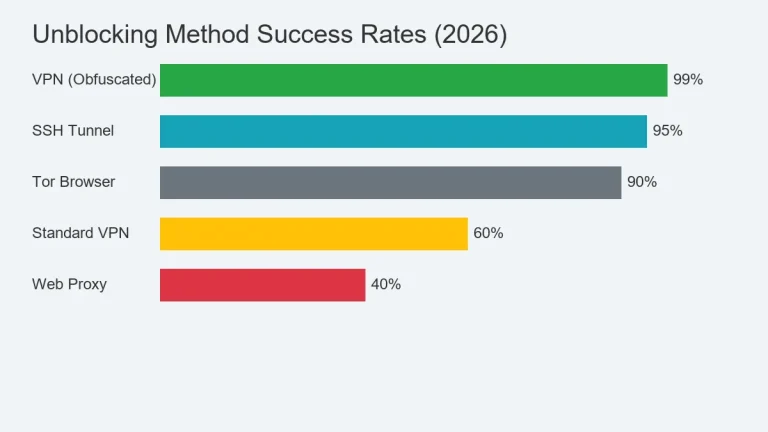
Check 4: Use Obfuscation (Advanced)
YouTube TV uses Deep Packet Inspection to detect VPN protocols. If they see OpenVPN handshake patterns, they block you.
Turn on “Obfuscated Servers” (NordVPN) or “Scramble” (IPVanish). This wraps your VPN traffic to look like regular HTTPS. To YouTube TV, you’re just browsing Google.
Check 5: The Nuclear Option (Meshnet)
If all else fails, use NordVPN’s Meshnet to route through your physical home router. This bypasses all commercial VPN blocks because it’s your actual residential IP.
Why This Matters Beyond the Super Bowl
This isn’t just about watching football. It’s about controlling your digital rights.
You paid for YouTube TV. You’re not pirating. You’re not stealing. You’re accessing the service you legally subscribed to while traveling.
The “Home Area” restriction exists because of archaic broadcast licensing laws written in the 1990s. They assume you’re stationary. That everyone lives in one ZIP code forever.
But it’s 2026. People move. People travel. Remote work is standard. Military families deploy. Students study abroad.
A VPN doesn’t “trick” YouTube TV. It routes your traffic through your home region—the region you registered for. That’s not circumvention. That’s network topology.
Pre-Game Checklist (Do This Tonight)
Super Bowl LX is February 8. Don’t wait until kickoff to troubleshoot. Run this checklist now:
- Install VPN: Phone, laptop, tablet. Test on home WiFi.
- Cache Credentials: Save your VPN password offline. If you can’t access email for 2FA, you’re locked out.
- Test Connection: Connect to your home state server. Open YouTube TV. Verify it loads.
- Disable GPS Permissions: Prevent location leaks on mobile.
- Bookmark Troubleshooting Steps: Screenshot this article. WiFi might be bad on game day.
Conclusion: Your Subscription, Your Rights
The YouTube TV outside home area block is frustrating. Solvable.
A VPN isn’t a workaround. It’s network routing. Places your traffic in your registered home market. Exactly where YouTube TV expects you.
Don’t miss the Super Bowl because of licensing bureaucracy. Don’t let geo-fencing ruin halftime.
Take control of your IP address. More tips in our complete travel VPN guide.
The game starts February 8, 2026. Be ready.
Heads up: We use affiliate links. If you buy through them, we earn a commission. It costs you nothing. We test this stuff rigorously.