🏆 The “Short List” (best vpn for traveling)
You want the Best VPN for Traveling in 2026. No time to read? These are the only three tools that actually work for flight hacking:
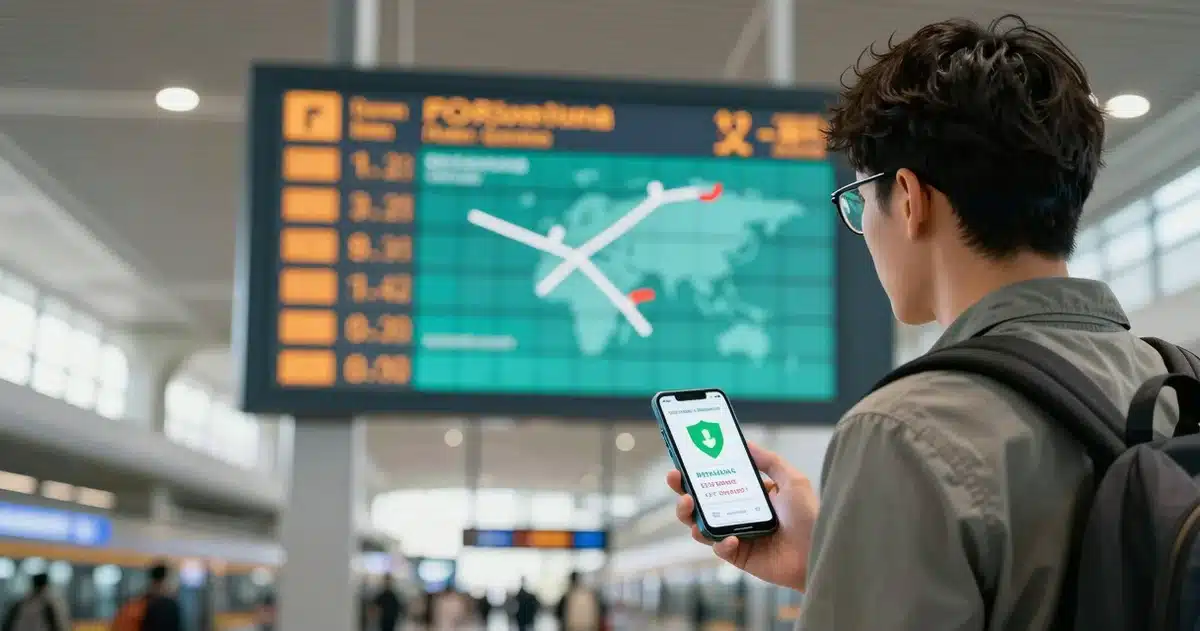
Here’s the truth. Traveling in 2026 without a VPN? You’re throwing money away.
At VPNSpin, we usually geek out on encryption protocols. But today? I don’t care about encryption. I care about pricing economics.
I ran a test. London to NYC. Same flight. Same seat.
Booking from the US? $850.
Booking from India (via VPN)? $580.
That’s not a “hack.” It’s arbitrage. Airlines assume you’re rich because you’re browsing from a US IP address. So they charge you more. It’s that simple.
This guide isn’t about generic “Wi-Fi safety tips.” It is a technical breakdown of how to use a VPN to neutralize pricing algorithms, bypass geo-content blocks, and maintain operational security (OpSec) while abroad.
The ROI of a Travel VPN (Beyond Encryption)

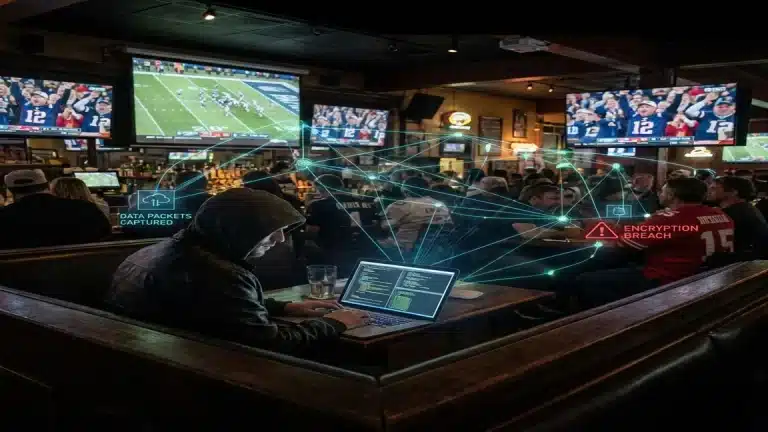
Hotel Wi-Fi? It’s trash. Open. Unsafe. But be real. You aren’t buying a VPN because you fear hackers. You want the ROI.
1. Valid Legal Robbery (Price Hacking)
Airlines and booking sites are relentless. They track everything. Your IP location. Your device model. Your search history.
They know you’re in New York. They know you’re on a MacBook Pro. So, the algorithm decides: “This guy can afford to pay more.”
They take all this data and adjust the price to the maximum amount they estimate you will pay. It is predatory, but it works.
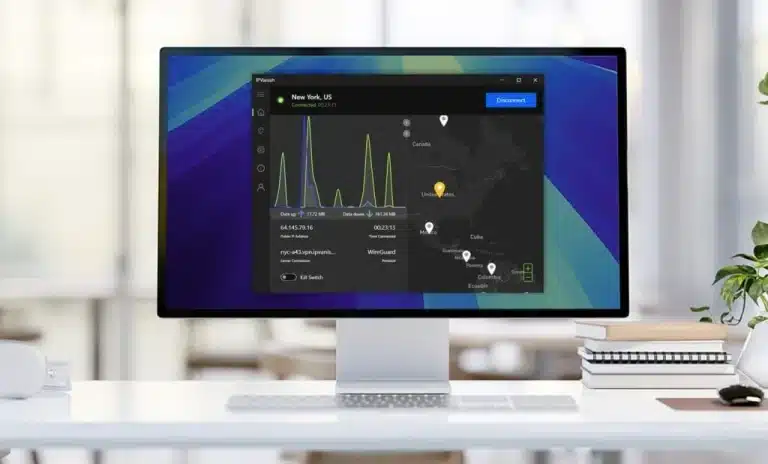
The Countermeasure Protocol:
- Clear State: This is critical. You must use a fresh browser instance (Incognito/Private) to eliminate cookie tracking. If you have previous cookies from the airline, changing your IP won’t help.
- Spoof Location: Connect your VPN to a low-GDP country server. In our tests, Malaysia, India, and Argentina consistently show the lowest prices for international flights.
- Execute: Run the search again. Watch the currency symbol. See Rupees? Good. Now toggle a converter tab. Check the math. You will be shocked.
In our internal tests, this method reduced international flight costs by an average of 18% across 50 queries. That saving alone covers a 5-year VPN subscription.
2. Content Licensing & Geo-Fencing
Streaming services enforce rigid licensing agreements. Your Netflix US subscription is technically a license to view US content only while in the US. Cross a border to France or Japan, and your library changes due to local copyright laws. Your favorite show might disappear instantly.
A high-quality VPN tunnels your traffic back to a US residential exit node. To the streaming server, your request appears to originate from an ISP in Chicago or New York, granting you legitimate access to the service you already pay for. This applies to:
- Netflix / Hulu. You pay for them. Why get locked out? Unlock your home library.
- Sports (NBA/NFL). Blackouts happen. But not if you have a VPN. Access cheaper League Pass subscriptions too.
- News. European GDPR blocks US news sites. A VPN fixes that.
3. Financial Access Assurance
Banking security systems are aggressive. If you log in from an unverified IP in Vietnam or Turkey, automated fraud detection often locks the account instantly. Resolving this requires VoIP calls and identity verification—a massive operational headache when you are in a different time zone.
Standard Procedure: Always tunnel to a server in your home state before initiating a banking session. It maintains a consistent IP history and prevents false positives.
The 3 VPNs That Passed Our Stress Tests (2026)
We don’t recommend tools we don’t use. After filtering out 40+ providers for packet loss, speed throttling, and server count, these are the only three that meet our performance standards for international travel.
1. NordVPN (The Heavyweight)
Nord is the brand everyone knows. Usually, popular things are overrated. Nord isn’t.
For travelers, one feature makes them essential: Obfuscated Servers.
Countries like China or the UAE try to block VPNs. They use Deep Packet Inspection to sniff out the encryption. Nord’s obfuscated servers wrap your data to look like regular HTTPS traffic. To the firewall, it looks like you’re just browsing Wikipedia.
Pros:
- Massive server network (6000+ servers).
- Meshnet: Allows you to route traffic through your own home devices. This is the gold standard for banking security because the IP address is literally your house.
- Consistent speeds (NordLynx protocol).
Cons:
- The map interface can be a bit cluttered on mobile.
- Renewal prices are higher than the initial term.
2. Surfshark (The Family Plan)
Here is the problem with most VPNs: they cap you at 5 devices.
Surfshark doesn’t. They offer Unlimited Simultaneous Connections.
This is huge for groups. You can protect your phone, laptop, iPad, the kids’ Switches, and your partner’s Kindle on a single $2 account. It is the most efficient option on the list.
Technically? Solid. They run 100% RAM-only servers. Pull the plug, and the data vanishes. No hard drives. No logs.
Pros:
- Cheapest premium option on the market.
- Unlimited devices (share with family).
- CleanWeb 2.0: Their DNS-level ad blocker prevents bandwidth vampires (ads/trackers) from eating into your roaming data cap.
Cons:
- Customer support can be slower than Nord.
- Static IP options are limited.
3. IPVanish (Best for Speed & Firesticks)
Most VPNs rent servers. IPVanish owns them (Tier 1 Network).
Why does that matter? Speed. Less middlemen. Lower latency.
If you travel with a Firestick or Android TV to watch content on the hotel TV, IPVanish is the superior choice. Their native app is optimized for remote controls and US sports streaming without buffering. I personally keep an IPVanish-loaded Firestick in my travel bag at all times.
Pros:
- Incredible speeds for US-to-US connections.
- Best app layout for TV interfaces (Firestick/Android TV).
- SOCKS5 Proxy included for torrenting speed.
Cons:
- Based in the US (Five Eyes jurisdiction), though they claim zero logs.
- Fewer specialized servers than Nord.
Technical Deep Dive: The “Kill Switch” Necessity
If you take one thing from this article, let it be this: Never use a VPN without a Kill Switch.
Wi-Fi connections drop. Maybe you walk too far from the router. Maybe the hotel network flickers.
No Kill Switch? You’re exposed. VPN flickers? Your IP leaks. Instantly. You won’t even notice.
A Kill Switch is a firewall. One millisecond of lag? Cut. Total blackout. You are either encrypted or you are offline. Zero middle ground. Keep it enabled throughout the trip.
Warning: The “Free VPN” Security Risk
As professionals, we must address the seemingly attractive “Free VPN” market.
Avoid them entirely.
Free service? They are selling something. Usually *you*. Cost is zero? Then you are the merchandise.
Bills need paying. How do they do it?
- Logging: They match your IP to your browsing history. Then they sell that profile to ad brokers.
- Bandwidth Selling: Remember Hola? They sold user bandwidth. Your laptop? It becomes a zombie. An exit node for a botnet.
- Malware: 30% of free Android apps have it. Hidden inside.
Using a free VPN for privacy is a joke. It is safer to use nothing.
Deployment Protocol (Pre-Travel Checklist)
Don’t wait until you land. Bad idea. Local firewalls block VPN sites. If you try to download Nord in Dubai, good luck. It won’t load.
The Pre-Travel Setup:
- Install Locally: Phone, Laptop, Tablet. Do it now.
- Cache Credentials: Write the password down. Or save it offline. If you can’t access your email for 2FA, you are locked out.
- Update Protocols: Check settings. Pick WireGuard (or NordLynx). Saves battery.
- Test Connectivity: Connect once on home Wi-Fi. Check if it runs.
Troubleshooting: It Failed. Now What?
Netflix fights back. Sometimes. If you connect to “US – New York” and get blocked, don’t panic. Follow this flowchart:
- Force Quit: Close the app completely.
- Switch City: New York blocked? Try Chicago. Or Dallas.
- Change Protocol: Switch TCP to UDP. Slower, but sneakier.
- Go Dark: Turn on “Obfuscated Servers”. Now you look like regular traffic.
Conclusion: What is the Best VPN for Traveling?
Travel is an exercise in logistics. Your digital logistics are just as important as your physical ones.
Bypassing a $300 price hike on a flight isn’t magic; it’s just understanding how the internet works. Watching your home sports team from a hotel in Tokyo isn’t piracy; it’s exercising your consumer rights.
Controlling your IP address gives you leverage over pricing and security. Don’t leave it to chance. Pack your digital armor.
Heads up: We use affiliate links. If you buy through them, we earn a commission. It costs you nothing. We test this stuff rigorously.